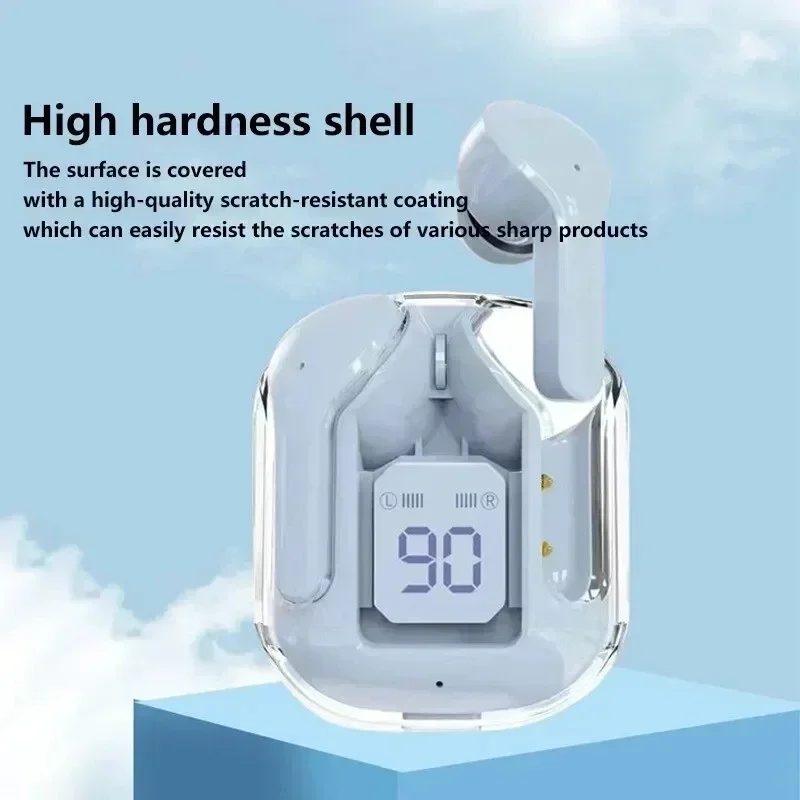
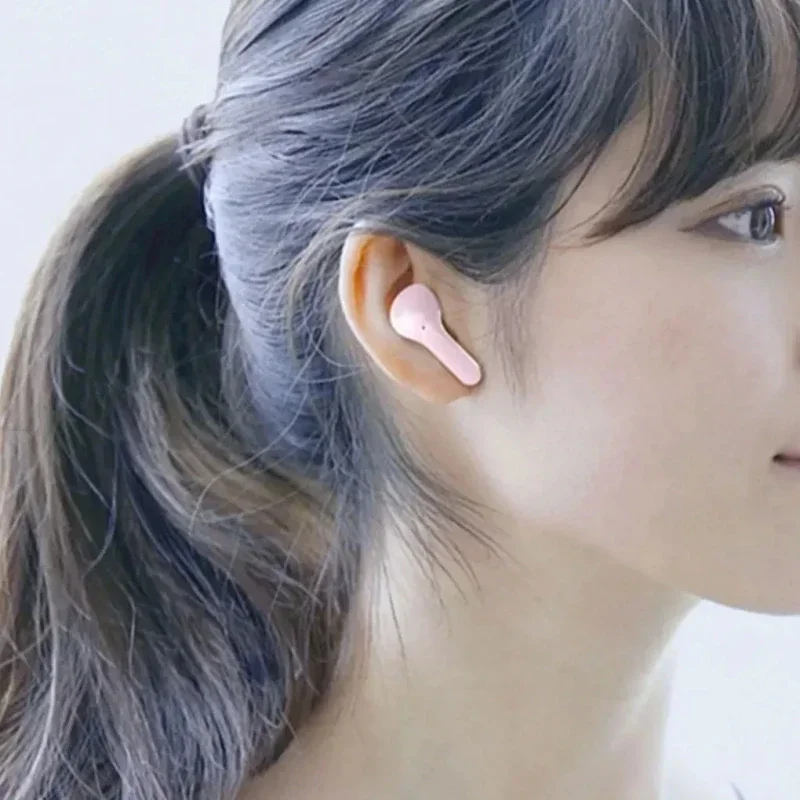
TWSHK3 Wireless Bluetooth Earphone Noise Canceling Hifi Stereo Sport Headphones with Digital Display Transparent Charging Case
$6.52
Bluetooth Connection Guide
If one earbud has no sound, it means the two earbuds failed to pair—not a quality issue!
Please follow the steps below (or refer to the video) to pair the Bluetooth:
Step 1: Pair the Two Earbuds
Open the case and remove both earbuds.
Place the two earbuds close together (they will enter pairing mode automatically).
The LED indicators will flash red and blue alternately.
When one earbud stops flashing, the pairing is successful.
Step 2: Connect to Bluetooth
After successful pairing, enable Bluetooth on your phone.
Search for and select the device named "TWS" to connect.
Once connected, the earbuds are ready to use.
⚠ Note: If pairing/connection fails, place both earbuds back into the case and repeat the steps.
You must use the original charger to charge the device; other charging cables are not permitted.
After receiving the earphones, they need to be fully charged before first use.
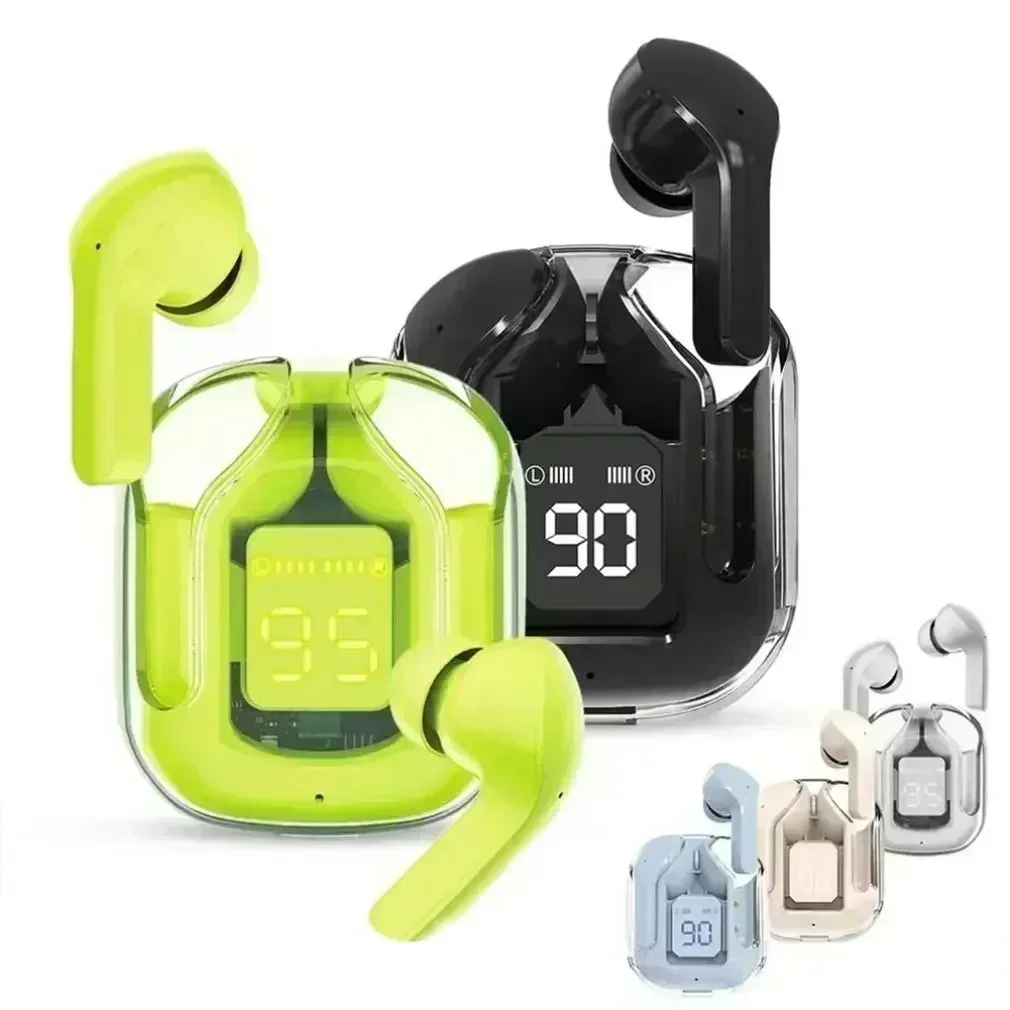


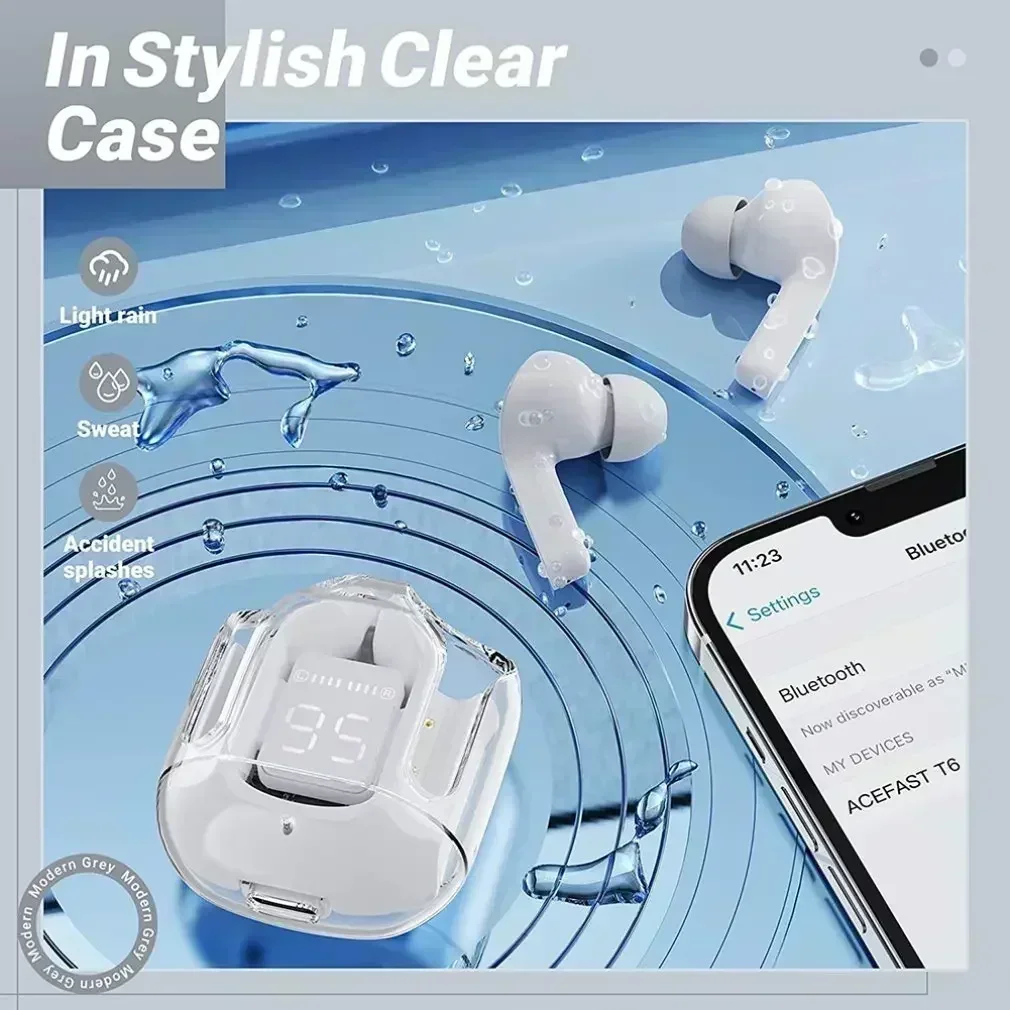
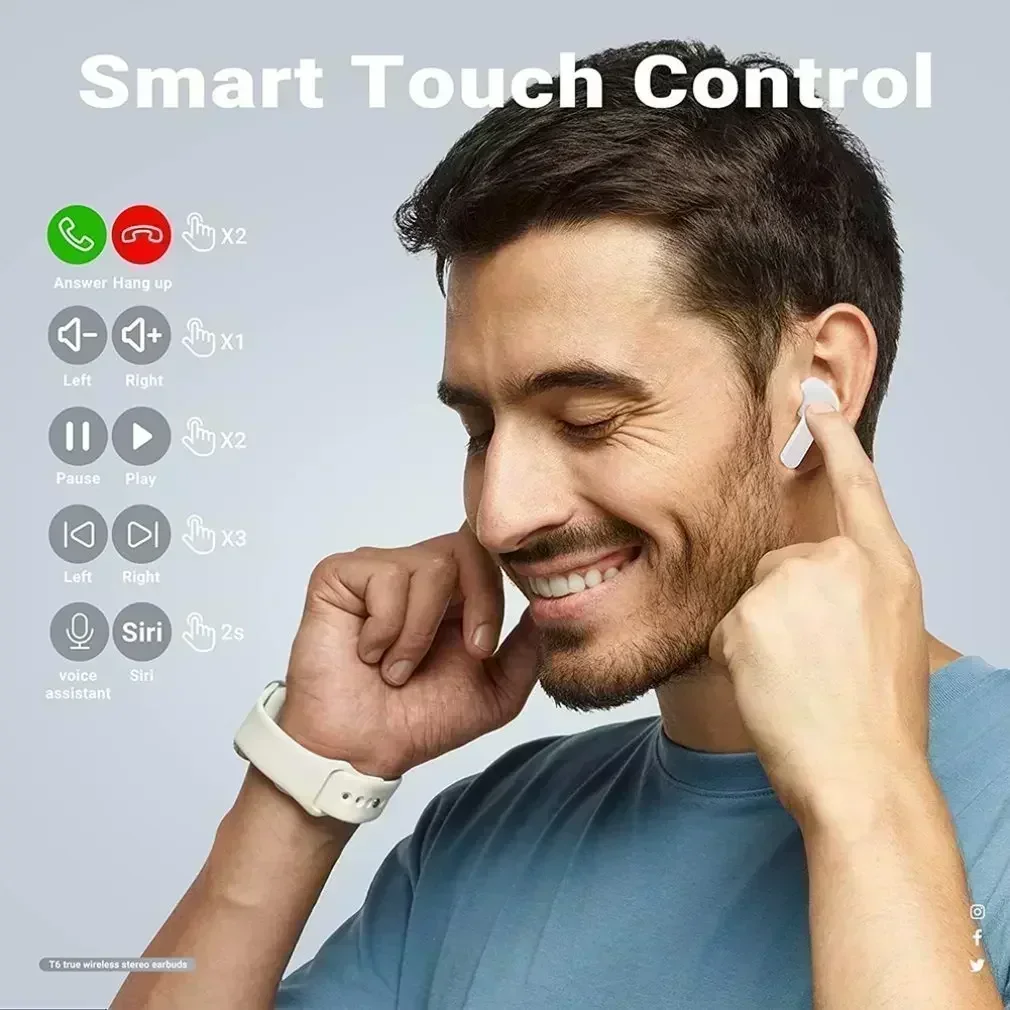
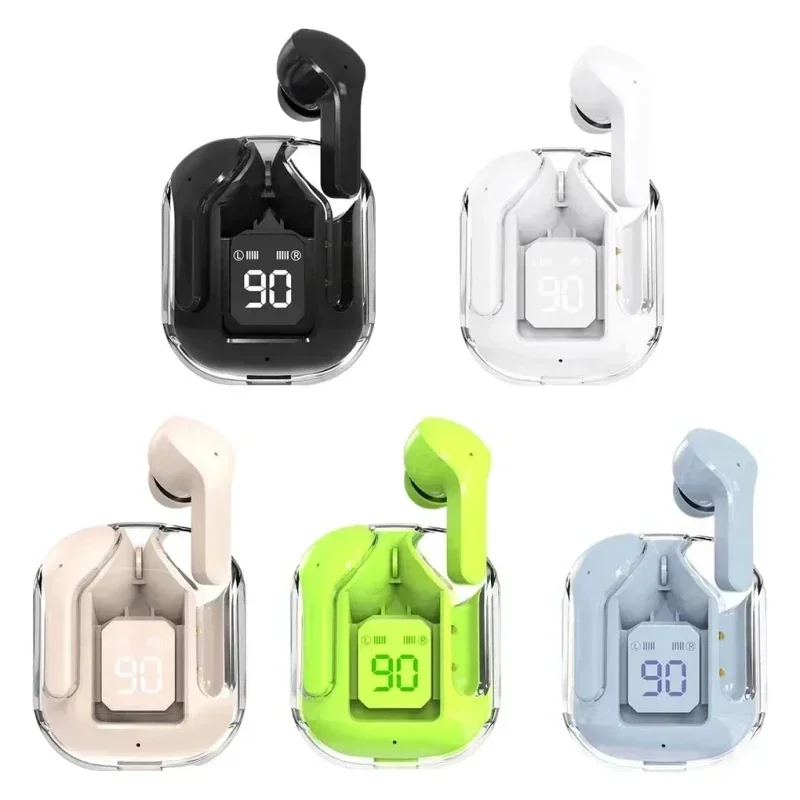
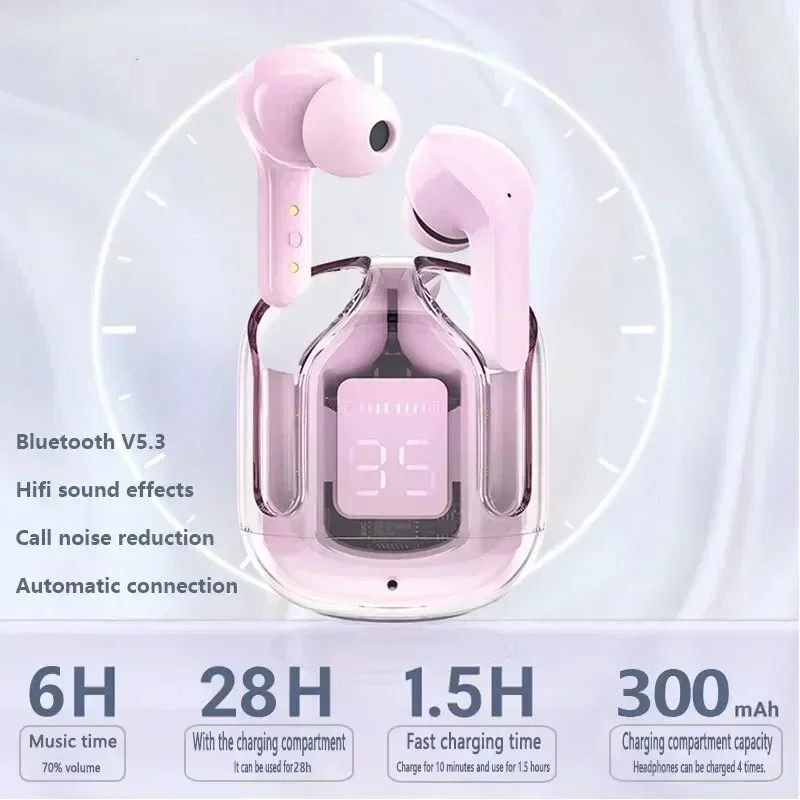
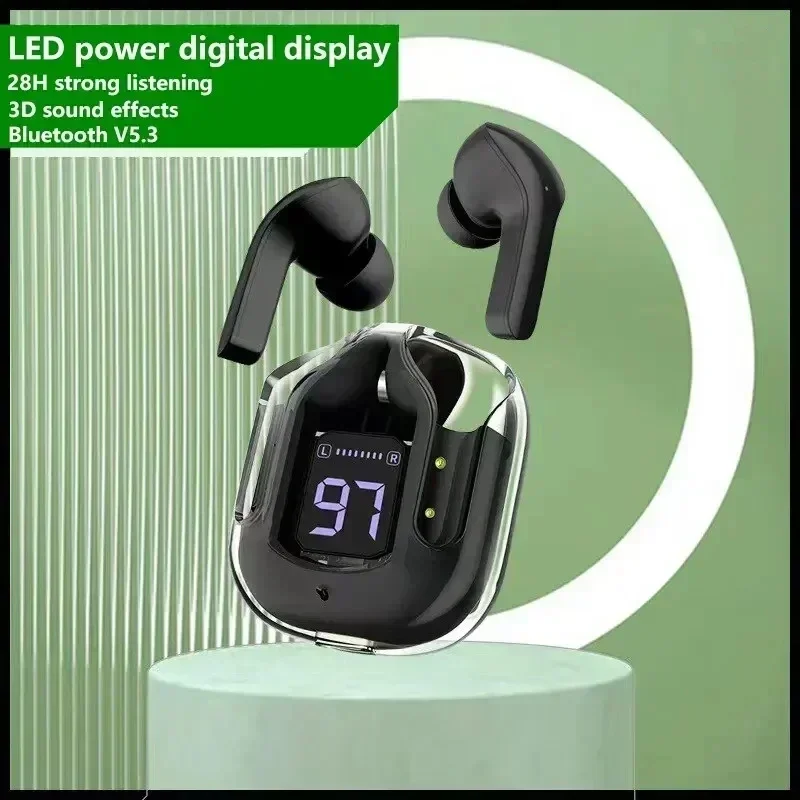
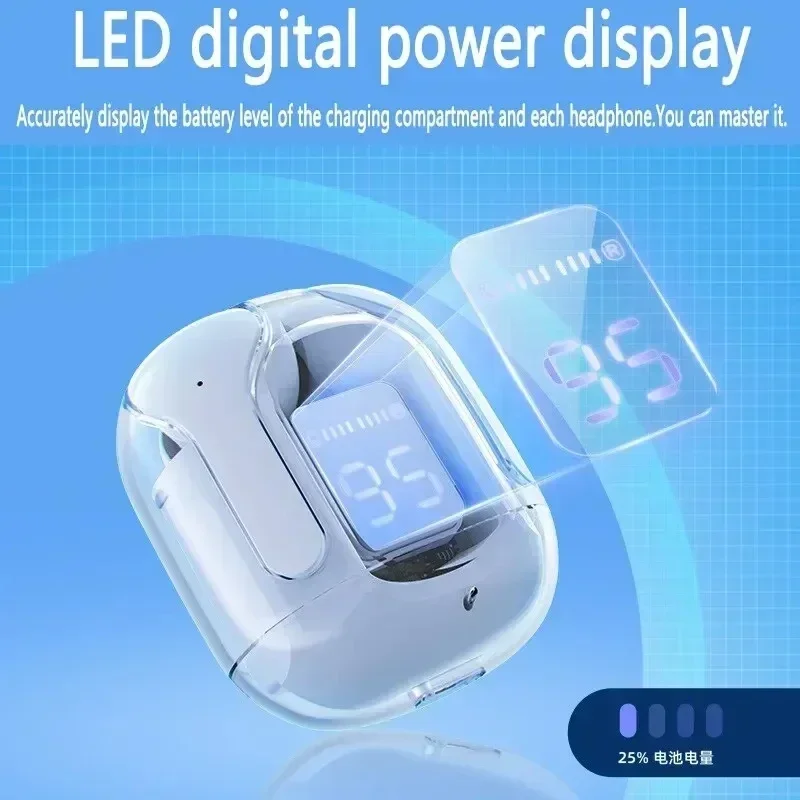
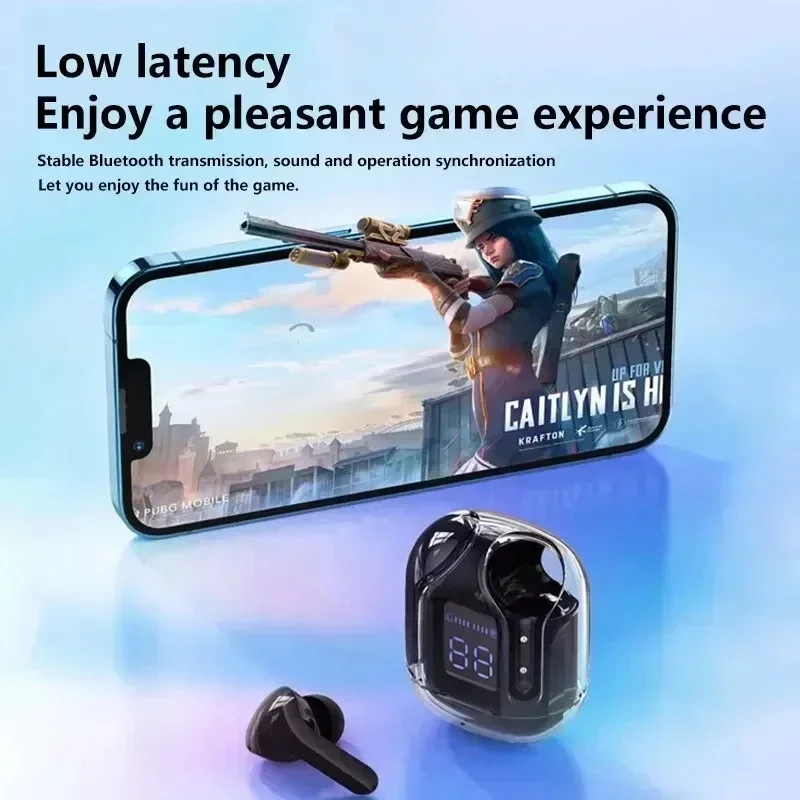
Details
This product is crafted with quality materials to ensure durability and performance. Designed with your convenience in mind, it seamlessly fits into your everyday life.
Shipping & Returns
We strive to process and ship all orders in a timely manner, working diligently to ensure that your items are on their way to you as soon as possible.
We are committed to ensuring a positive shopping experience for all our customers. If for any reason you wish to return an item, we invite you to reach out to our team for assistance, and we will evaluate every return request with care and consideration.
Shop The Full Collection


